

Blog
How to share folder in local network
Posted on · Updated
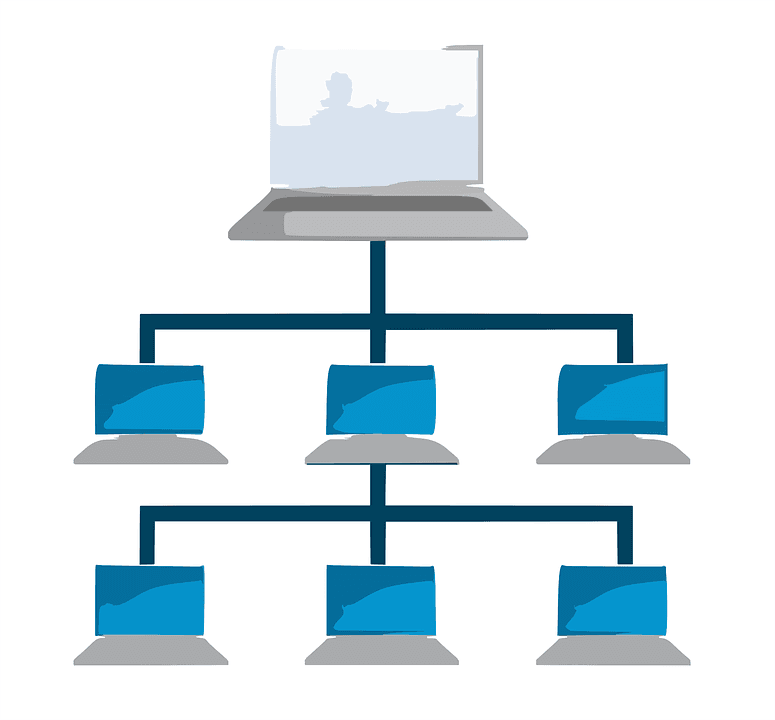
It is obvious in any company, file sharing is the most important part in accessing the file over the network. As installing the Router, they also create a Local Area Network, which is mainly important for sharing, accessing the files, printing and scanning and also playing game with your locally connected Computer in the same Network.
In the Windows,
File sharing can be done in two ways, i.e.,
- i) Creating Homegroup
- ii) File sync and sharing services
File Syncing
Open any new folder to be shared
Right click in the new folder that you have just created and click Properties sharing
SHARING
Advanced sharing
Share this folder
Write the name of the sharing folder i.e. will appear in the sharing folder
Then again add the people you want to give the permission and give access to the respective computer
SPECIFY PEOPLE (find people)
Adding name or search by the first letter then add mannually
Then share ( give the permsiion level read/write) and Share
TOPIC :1.0.0
To add the sharing folder in the computer
Find MAP NETWORK DEVICE
You need to find your local IP address. {Run(cmd,ipconfig)}
so after finding ip address of the computer, write down your ip adress of your computer follwing by the \ and the sharing folder name in the given empty space in the map network drive
i.e. Example { \HYPERLINK “file:////192.168.1.1/(sharing”192HYPERLINK “file:////192.168.1.1/(sharing”.HYPERLINK “file:////192.168.1.1/(sharing”168HYPERLINK “file:////192.168.1.1/(sharing”.HYPERLINK “file:////192.168.1.1/(sharing”1HYPERLINK “file:////192.168.1.1/(sharing”.HYPERLINK “file:////192.168.1.1/(sharing”1HYPERLINK “file:////192.168.1.1/(sharing”(sharing folder name that you have given)}
and press ENTER
You will see the drive in MY computer as your sharing folder.
TO Access the sharing folder,
FIRST YOU NEED TO GIVE PERMISSION FROM THE MAIN HOST AND REPEAT THE SAME TOPIC: 1.0.0.
More from the 111iT blog

Top Website Development Companies in Australia to Look for
Choosing the right website development company in Australia is key to building a strong online presence. From design to performance, the best firms deliver tailored solutions that drive results. Here’s what sets the top players apart.
Website Development Process: What to Expect from Start to Launch
In today’s fast-paced digital landscape, a well-crafted website isn’t just a virtual business card—it’s the nucleus of your online presence, lead generation strategy, and customer engagement.

Microsoft 365 & Cloud: Game-Changer for SMEs in 2025
In an era of relentless digital evolution, Australian small and medium enterprises (SMEs) must prioritise agility, scalability, and efficiency to stay competitive.
Ready to talk about your project?
Tell us what you need and our Sydney team will get back to you with a plan and a quote.